
Artificial intelligence tools have become indispensable.
They help you with content creation that is fast, high-quality, and optimized for search engines. If you want to stay ahead of your competition, using AI is no longer just a cool option—it’s a move to help you stay relevant in years to come, rising above your competitors.
But here’s the big question: with so many AI tools out there, how do you pick the right one?
This blog will assist you in locating the top AI tools for content creation and time-saving, effective AI tools for content creation assistants. With the correct AI tools, you can produce better content more quickly and expand your brand, whether you’re managing a business, working alone, or being a member of a busy marketing team.
Why Use AI Tools for Content Creation in 2025?
People are adapting to AI more fiercely than they did to the internet in its early stages. If you don’t choose to do the same at the right time, you will simply be left behind, unable to catch up to your competitors in the future.
Choosing what’s trending is key to staying relevant in the market.
To simplify things, here’s an overview of the key benefits of early AI adoption in the content marketing workflow in 2025
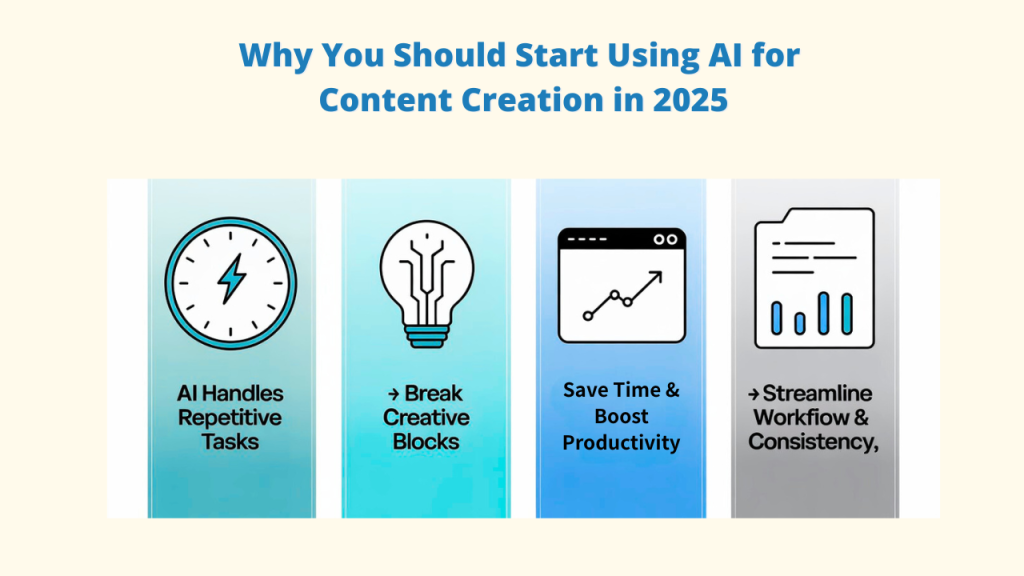
A. Reduce Time and Boost Productivity
AI tools for content creation help you work faster by doing boring or repetitive tasks for you. They make writing easier, improve the quality of your content, and let you focus on creative ideas instead of spending hours on small tasks.
What used to take hours can now be done in seconds or minutes.
B. Overcome Writer’s Block and Creative Fatigue
Getting stuck with no ideas can slow down any content creator. But AI tools act like your creative assistant; they give you new ideas, help you start writing, and suggest fresh angles when your mind feels blank.
You don’t have to waste time creating lengthy prompts when you have tools like Writix. It provides pre-made templates that direct the procedure and ensure uninterrupted content flow.
C. Make Your Content SEO-Friendly and Engaging
In addition to writing, AI tools for content writing ensure that your content is easily accessible online. They use the right keywords, follow what people are searching for, and format everything so that search engines like Google notice it.
D. Enhance Workflow and Consistency
You can maintain consistency in tone, style, and message across all platforms, including blogs, social media posts, and video scripts, with the aid of AI tools. They make sure your brand always sounds the same, clear, and professional.
Key Features to Look for in AI Tools for Content Creation
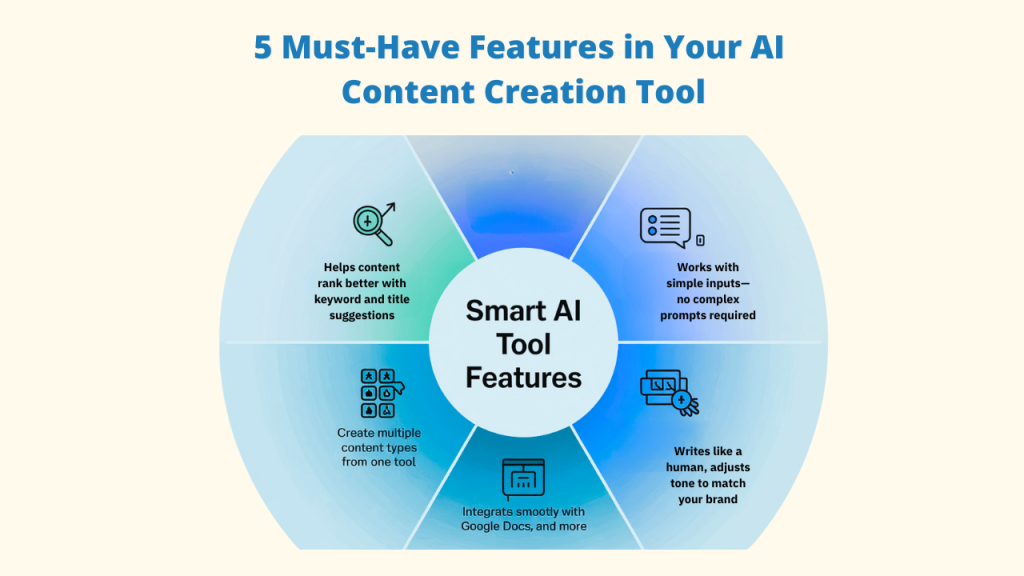
To make sure you get the most out of AI tools for content creation, keep an eye out for these important features:
📍 SEO Optimization: Good AI tools should help your content show up higher in search results. This means they can help you find popular keywords, suggest ways to improve your content for search engines, and even create good titles and descriptions that help people find your content online.
📍 Ease of Use (No Prompt Fatigue): The tool should be easy to learn and use. You shouldn’t have to give it complicated or endless instructions. Some smart AI tools, like “WRITIX,” can even understand what you want with just a few clicks, so you don’t get stuck constantly trying to explain yourself.
📍Natural Language Quality and Tone Flexibility: The newest AI tools should be able to write in a way that sounds like a real person talking. It should also be able to match the style and voice of your brand. Look for tools that let you change how formal or casual the writing is.
📍Multiformat Support: Your AI tools should be able to help you create all sorts of content. This includes blog posts, articles, social media messages, emails for marketing, video scripts, website text, and more.
📍 Connects with Other Tools (like WordPress or Google Docs): If the AI tool is compatible with the programs you currently use, such as WordPress, Google Docs, or content management systems (CMS), it’s really beneficial.
Best AI Tools for Content Creation – Quick Overview
| Tool Name | Starting Price | Main Pro | Best For |
| Writix | $47/month | Built-in SEO & fact-checking while writing | Long-form content, SEO blog writing |
| Surfer SEO | $79/month | Real-time SEO suggestions & competitor analysis | Ranking blog posts higher on Google |
| Copy.ai | $49/month | Strong brand voice for marketing copy | Ads, product descriptions, short-form marketing |
| Grammarly (AI) | $4.17/month | Detailed grammar, tone, and clarity suggestions | Professional, academic, and polished writing |
| Pixci | $292.22/month | Variety of AI art styles, no copyright worries | Custom visuals, creative image generation |
| Canva AI | $100/month | Auto design ideas with templates and brand styling | Quick visual design, social media posts |
| Google Veo 3 | $30/min (custom) | Realistic video with native audio and cinematic quality | Advanced video creation and storytelling |
| AI Collective | $27/month | Schedules & creates social content based on trends | Social media management across platforms |
| Tarantula SEO Crawler | $27/month | Deep SEO audits with competitor insights | Website SEO health checks & improvements |
Best AI Tools for Content Creation That Deliver Fast & Real Results: Top picks
A. AI Writing Content Creation Assistants (Long-Form & Short-Form)
1. WRITIX
About the Tool
Writix is an AI writing helper that lets you create good-quality content fast and without much effort. It comes with many features that help you write different types of content like blogs, articles, ads, and social media posts.

How It Helps You Get Results
Writix looks at your topic, finds useful info, and gives you a clear content plan before writing a full piece. You don’t need to type complicated prompts. It also checks facts as it writes and uses built-in SEO tools to make your content rank better on search engines instantly.
Where You Can Use It
✔️ Over 300 ready-made AI writing flows
✔️Writing articles for newspapers or websites
✔️Making content that’s good for search engines
✔️Writing long social media posts
Pros
⇒ Great quality for long content
⇒ SEO tools included
⇒ Checks facts while writing
⇒ Can change the tone or writing style
Cons
⇒ No free version, only a free trial available.
Starting Cost: $47 each month
2. Surfer SEO
About the Tool
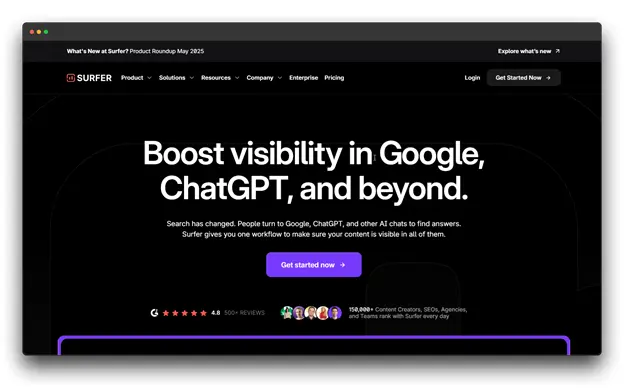
Surfer SEO is more than just a writing tool—it’s a full platform that helps your content creation better for search engines. It studies the top-performing content in your topic area and gives tips based on that research.
How It Helps You Get Results
The SEO tool checks the landing pages that rank highest for the keyword and it produces recommendations. It then guides you on optimal word count, keyword frequency, related terms, and content structure for improved search visibility.
Where You Can Use It
✔️Creating articles or blog posts that rank higher
✔️ Analyze competitor strategies
✔️ Track your content’s performance
Pros:
⇒ Great tips for SEO improvement
⇒ In-depth analysis of what competitors are doing
⇒ Gives real-time suggestions while you write
Cons
⇒ It can feel a bit confusing for rookies
⇒ Costly for small teams or individuals
Starting Cost: $79/month
3. Copy.ai
About the Tool
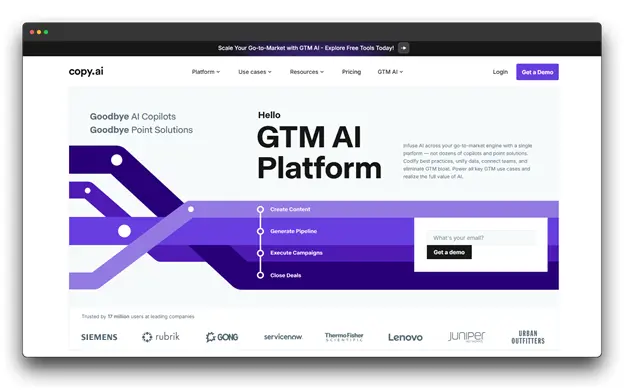
Mainly Copy.ai creates marketing and short-form writing content. Therefore, it is the best choice for businesses that want hardcore sales messages, social media posts, and promotional text.
How It Helps You Get Results
Copy.ai uses smart AI models trained to write high-converting marketing content. It comes with lots of ready-to-use templates for different types of writing and can match your brand’s tone, helping your content sound consistent everywhere.
Where You Can Use It
✔️Writing ads for Google and Facebook
✔️Making product descriptions
✔️Writing landing page text
Pros:
⇒ Great for writing marketing content
⇒ Can match your brand voice
⇒ Has a large selection of templates
Cons:
⇒ Not the best for long articles
⇒ May sound too plain if you don’t adjust the output
Starting Plan: $49/month
4. Grammarly (AI-Powered)
About the Tool
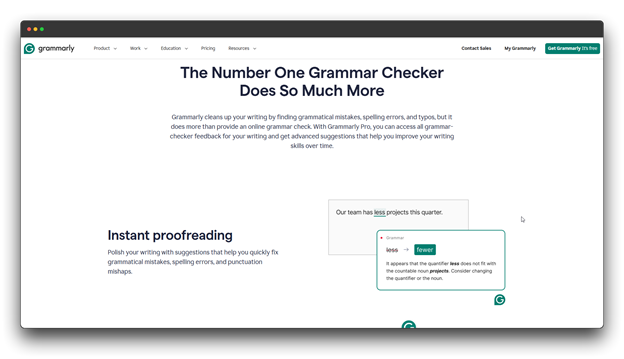
Grammarly is a popular AI writing assistant that helps improve your writing by checking grammar, spelling, punctuation, clarity, and tone. While it’s best known for fixing grammar mistakes, it now also includes smarter AI features.
How It Helps You Get Results
Grammarly’s AI does more than just correct grammar. It gives smart suggestions based on what you’re writing, helps you adjust the tone, and can even help you come up with content ideas.
Where You Can Use It
✔️ Polishing your academic and professional doc
✔️Optimizing long blog content
✔️Streamlining business communications
Pros:
⇒ Works well with other tools you already use
⇒ Gives detailed writing help
Cons:
⇒ Not as strong in content creation as some other tools
⇒ It requires a premium subscription for higher-end features to be enabled.
Starting Plan: $4.17 per month with custom pricing.
B. Visual Content Creation
5. Pixci
About the Tool
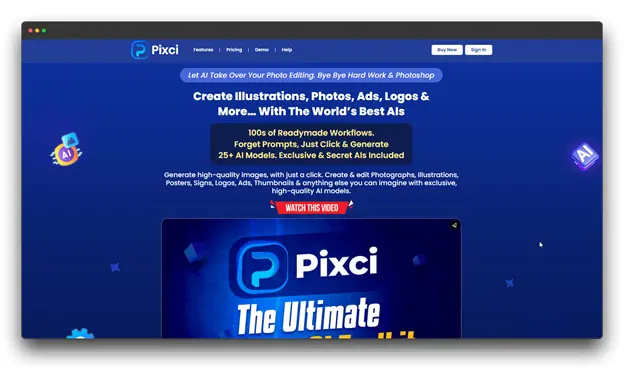
Using clever image-making technology, Pixci transforms intricate text into crisp, excellent images. To ensure that the image matches the tone and meaning of your text, you can select from a wide variety of styles, such as realistic or artistic.
How It Helps You Get Results
Pixci uses smart image-making technology to turn your detailed text ideas into high-quality pictures. You can choose from different styles, like real-life photos or creative artwork, so your images match the mood and goal of your content.
Where You Can Use It
✔️ Designing visuals for marketing campaigns
✔️ Making graphics for websites
✔️ Custom images for slides or presentations
Pros:
⇒ Choose from many art styles, including uncensored outputs.
⇒ No copyright worries
⇒ High-quality image downloads
Cons:
⇒ No free version or trial
Starting Plan: $292.22/month
6. Canva AI (Magic Design)
About the Tool
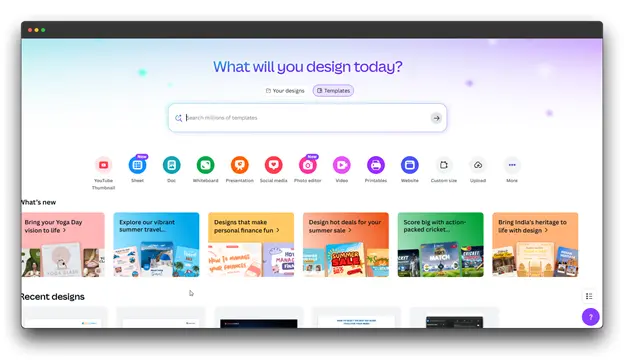
Canva is an intuitive online design tool featuring an ocean of templates. Magic Design AI takes your content a half-step above by generating design suggestions based on your text and images.
Although Canva works great on almost any device, it’s best on a laptop or desktop computer due to the “drag and drop” feature. Even the iPhone works sufficiently well for simple designs.
How It Helps You Get Results
Magic Design looks at your text and brand settings to create different design options. It uses color matching, font styles, layout rules, and your brand details to make designs that look clean and professional.
Where You Can Use It
✔️Graphics for social media posts
✔️Blog headers and featured images
✔️Elements that match your brand style
Pros:
⇒ Easy to use for everyone
⇒ Huge template collection
⇒ Works with many design formats
Cons:
⇒ AI struggles to follow instructions at times.
Starting Plan: $100/month
C. Video Content Creation
7. Google Veo 3
About the Tool
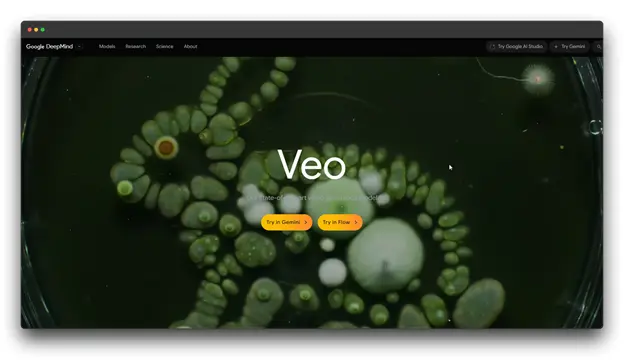
Google has introduced Veo 3, an AI video-making tool that can also create audio. It’s one of the most advanced video generators available today, giving creators more control and better quality than ever before.
How It Helps You Get Results
Veo 3 generates high-quality video with native audio, including sound effects, ambient noise, and dialogue. It excels in realism, physical accuracy, and prompt adherence, creating sophisticated cinematic content from text or image prompts.
Where You Can Use It
✔️Making videos for marketing
✔️ Social media video content
✔️ Teaching or training videos
Pros:
⇒ Built-in audio with effects and speech
⇒ Very realistic and follows details well
⇒ Knows how to make videos look cinematic
Cons:
⇒ Not widely available yet
⇒ Needs some technical skills to use well
Starting Plan: $30 per minute, with custom pricing for higher use.
D. Social Media Content
8. AI Collective
About the Tool
A multi-AI aggregation platform exploiting API connectivity to promise access to 50-plus Large Language Models(LLM) and generative AI models to undertake complicated tasks through a single interface.

How it Delivers Results
This tool optimizes your social media presence by analyzing audience data, trending topics, and optimal posting times. It then generates and schedules tailored content for each platform, maximizing likes, comments, and shares.
Where You Can Use It
✔️Ready-to-publish content across platforms.
✔️Identifying trending topics and relevant content.
✔️All-in-one hub.
Pros:
⇒ Supports many platforms in one place
⇒ Creates content in different formats
Cons:
⇒ Access to too many models can be overwhelming for novice AI users.
Starting Plan: $27/month
E. SEO and Blog Content
9. Tarantula SEO Crawler
About the Tool
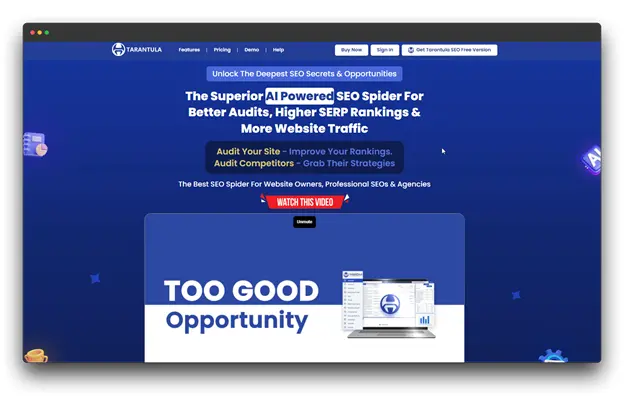
Tarantula SEO Crawler is an aggressive tool built to check your website’s search engine performance. It identifies strengths, weaknesses, and areas for improvement to help you achieve higher rankings.
How it Delivers Results
By crawling your website and even competitor sites, Tarantula uncovers critical issues like missing content, technical glitches, or SEO errors. It then provides actionable recommendations you can immediately implement to enhance your search engine visibility.
Where You Can Use It
✔️ Checking your website’s SEO health
✔️ Seeing what kind of content your competitors are using
✔️ Fixing tech-related SEO problems
Pros:
⇒ Deep SEO checks and reports
⇒ Helps you understand your competitors
⇒ Offers useful, ready-to-use advice
Cons:
⇒ You need some SEO knowledge to fully understand the data
Starting Plan: $27/month
How to Maximize Your Results with AI Tools for Content Creation (Best Practices)
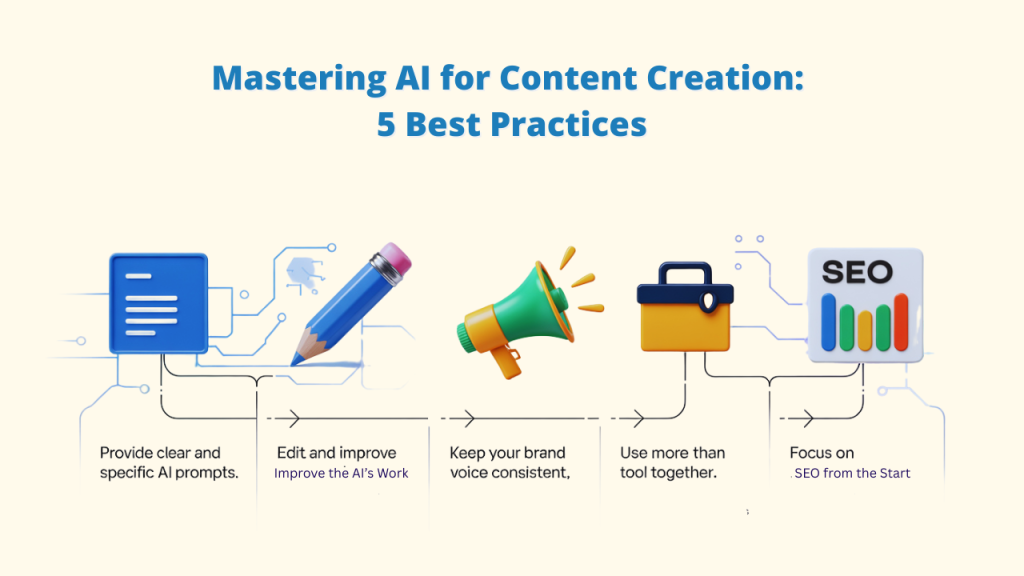
1. Provide Clear and Specific AI Prompts
✔ Always write detailed and clear instructions for better results.
✔ Instead of saying something general like “Write a blog,” say:
“Write a 1200-word blog post as a professional writer on how AI is changing small businesses, focusing on how it makes their work easier and more accurate.”
✔ Keep in mind that poor input leads to poor results; the accuracy of the outcome depends on the input you give.
2. Edit and Improve the AI’s Work
✔ Think of the AI as your helper, not the final author.
✔ Use what it gives you as a rough draft, then change things to match your tone and make it more original.
✔ Mixing your ideas with AI-generated content leads to better quality.
✔ A smart tool like WRITIX combines different AI models to give fresh ideas and more variety.
3. Keep Your Brand Voice Consistent
✔ Show the AI how you write by giving it samples of your content.
✔ If possible, upload a style guide or set your brand tone.
4. Use More Than One Tool Together
✔ You can use different AI tools for different tasks.
✔ Example stack: WRITIX (writing) + Surfer SEO (optimisation) + Pixci or Canva AI (visuals).
✔ Combining tools lets you build a strong, complete content creation process.
5. Focus on SEO from the Start
✔ Start with keyword research before you write anything.
✔ Use tools made for SEO, like Tarantula SEO Crawler or ContentShake.
✔ Add keywords to headings, structure, and metadata early, not at the end.
✔ Use tools like WRITIX, which are designed to create SEO-friendly content from the start.
Conclusion
Tools with AI assistance have changed the way of creating content. What once took hours can now be done in minutes—and with even better results. These tools make it easier to write, design, plan, and share content without wasting time.
The key is choosing the right tools that match your needs, budget, and content goals. Whether you’re a blogger who wants to post more often, a marketer looking to create eye-catching campaigns, or a business owner ready to grow your brand, AI tools can help you get there faster.
With all of these great alternatives, WRITIX stands out since it has ready-to-use workflows and handles writing and other chores without requiring complicated instructions, saving you time and producing excellent results.
The most successful creators in 2025 will be the ones who use AI to speed up their work, but still keep their own unique ideas and voice. Don’t be afraid of using AI—it’s here to support your creativity, not replace it.
Once you’re comfortable, you can add more to your toolkit and grow even faster.