AI tools are powerful, but not everyone knows how to talk to AI in the “right way.”
This is where No Prompt AI changes the game.
No Prompt AI tools refer to software that generates results automatically without asking users to write long or complex prompts. You simply click, select, upload, or speak, and the AI does the work.
For the last few years, we’ve been told that “prompting” is the must-have skill of the century. But let’s be honest: writing long, complex instructions to get a decent result is exhausting.
The shift from Prompt Engineering to Context Engineering is here.
Embedded AI, which is intelligence integrated into everyday tools that operate in the background, is growing as a result of this change.
The Rise of No-Prompt AI Technology
- Growing demand for AI among non-technical users
- Prompt fatigue from trial-and-error prompting
- Need for faster, automated workflows
- Businesses wanting “one-click” or hands-free AI
Whether you’re a content creator, researcher, business professional, or someone who just wants AI to work without the hassle, this guide reveals the top 8 no prompt AI tools leading this revolution.
Understanding No Prompt AI Tools
No-Prompt AI means AI tools that deliver results using guided interfaces, structured inputs, or smart automation without requiring users to write detailed prompts.
You don’t need special commands or prompt skills. Just explain your need in simple words, and the AI responds. This makes AI easy to use for everyone, regardless of age, experience, or technical background.
The Business Impact of No-Prompt AI Tool
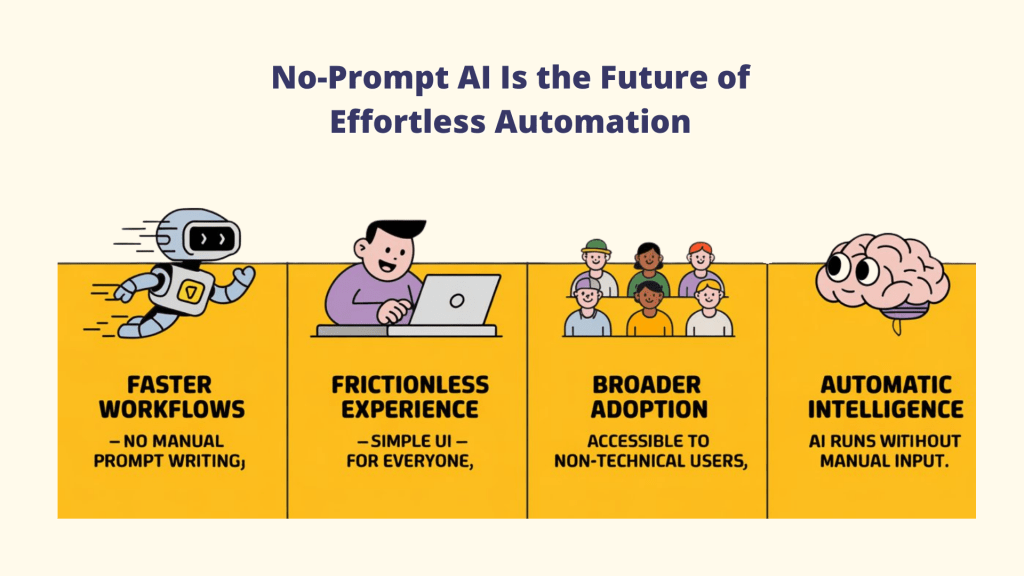
The largest obstacle to utilizing AI, understanding how to interact with it, is eliminated by No-Prompt AI. By removing instructions, AI becomes an everyday tool rather than a technical talent.
- Faster workflows with zero prompt writing
- Frictionless user experience for beginners and professionals
- Broader no-prompt AI tool adoption across non-technical users
- AI that works automatically, not manually
In short, the No-Prompt AI tool is making artificial intelligence simple, practical, and available to individuals, teams, and businesses alike.
Future Growth of No-Prompt AI Tools
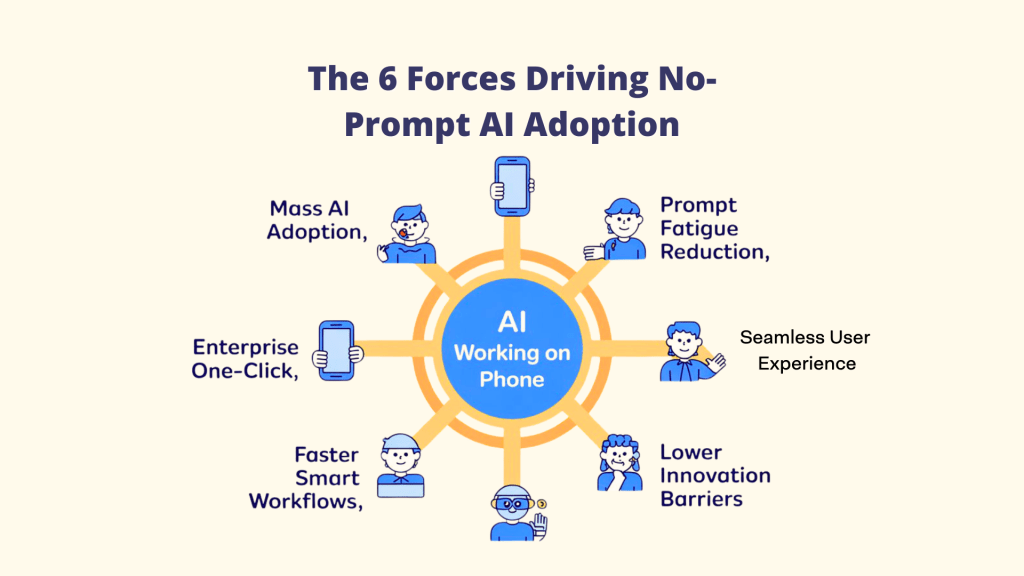
Several forces are converging to make no-prompt AI the fastest-growing segment of AI adoption:
A. Mass AI adoption beyond tech circles
As AI moves from early adopters to mainstream users, the demand for simplicity has skyrocketed. The majority of people want results, not to learn prompt engineering.
B. Prompt fatigue is real
Even experienced AI users are tired of tweaking prompts. The mental overhead of crafting effective prompts for every task slows down workflows and creates frustration.
C. Enterprise demand for “one-click AI”
Businesses need AI solutions that entire teams can use immediately, without training sessions or onboarding. No-prompt tools deliver instant ROI.
D. Faster, smarter workflows
When AI understands context automatically, workflows accelerate. Tasks that previously required multiple prompt iterations now happen instantly.
E. Lower barriers to innovation
By removing the prompting requirement, these tools enable non-technical users to automate complex workflows, generate insights, and create content at professional levels.
The companies building no-prompt AI aren’t just making things easier they’re expanding who can benefit from AI entirely.
The 8 Best No-Prompt AI Tools for 2026
Category 1: Workflow Automation (No Setup Required)
1. Writix
About the Platform
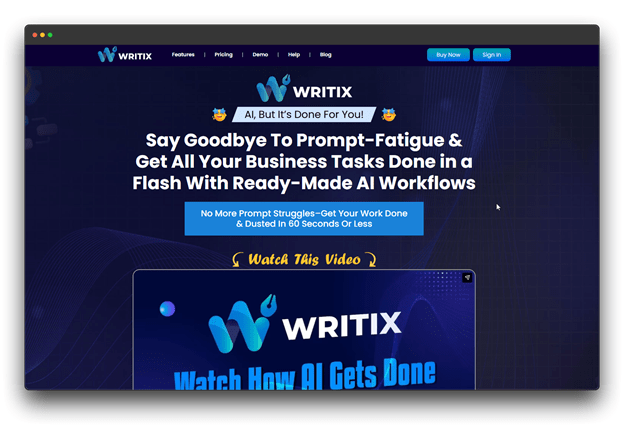
Writix is a No-Prompt AI tool made for creators, marketers, and businesses that want great content without learning how to write prompts.
Using structured templates and simple inputs, the tool generates blog posts, marketing copy, and product descriptions automatically. Additionally, it learns your brand voice from your current content to maintain consistency.
Advantages
🔺 Adjusts automatically to your brand voice
🔺 Template-based system removes prompt writing
🔺 Built-in SEO support with zero setup
🔺 Connects easily with popular CMS platforms
Disadvantages
🔻 Not the best fit for very technical or highly specialized topics
Best For
Digital agencies, e-commerce companies producing product descriptions on a large scale, content marketing teams, and bloggers who regularly publish.
Pricing
AI models and a year-free upgrade are included in the $47/month individual plan and the $297/year team plan.
Category 2: Business Operations (Hands-Free Automation)
2. Airtable Omni
About the Platform
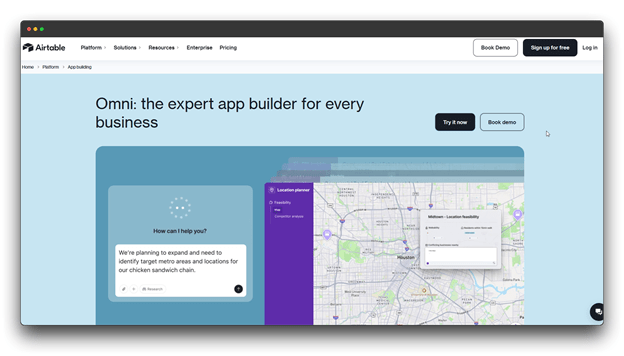
Airtable Omni is an AI feature built directly into Airtable that helps turn raw data into an organized system.
Instead of spending time setting up tables, formulas, or rules, Omni does the work for you. You add your data, and it automatically sorts, structures, and suggests how everything should be used.
Advantages
🔺 Automatically categorizes and tags incoming data
🔺Suggests views and filters based on use case
🔺Generates formulas without syntax knowledge
🔺Built-in data validation and error detection
Disadvantages
🔻Needs a paid Airtable plan
🔻Works best with clean, well-structured data
🔻Less control compared to a fully manual setup
Best For
Airtable Omni is great for project managers, operations teams, event planners, content teams managing schedules, and small businesses using Airtable as a simple CRM.
Pricing
Featuring a business plan that includes two-way data sync and validated data at $45 per user per month (full Omni capabilities).
3. Appy Pie Automate
About the platform
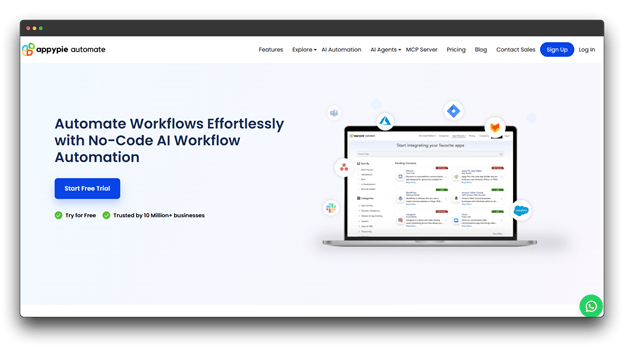
An excellent example of a no-prompt AI tool is Appy Pie Automate, a no-code automation that links over many apps without the need for coding or prompts.
Using a clean drag-and-drop builder, you can create workflows by simply selecting triggers and actions. Its AI also suggests smart automation ideas and takes care of data mapping, error handling, and performance improvements for you.
Advantages
🔺AI recommends automation ideas based on how you use apps
🔺Easy drag-and-drop workflow builder
🔺Supports multi-step automations without any coding
🔺Built-in error detection and workflow monitoring
Disadvantages
🔻Costs rise as automation tasks increase
🔻Complex workflows may need some learning time
🔻Advanced integrations are limited to paid plans
Best For
Small and medium businesses, e-commerce sellers, content creators, and operations teams looking to eliminate manual data entry.
Pricing
At $62.35 per month, including AI agents and professional-level features.
Category 3: Research & Curation
4. AI Collective
About the Platform
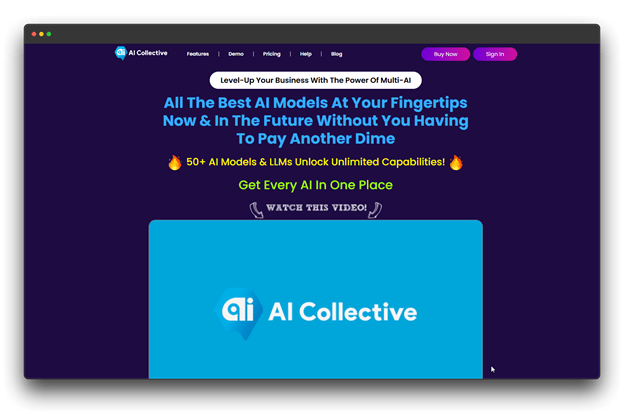
AI Collective is a smart research and content discovery platform that automatically finds useful information from across the web.
It collects, summarizes, and organizes content for you, then delivers clear insights based on what matters most to you. The more you read and interact, the better it understands your interests and keeps improving.
Advantages
🔺AI-written summaries with clear source links
🔺Learns your interests automatically over time
🔺Shared research spaces for team collaboration
🔺Built-in tools for citations and exporting content
Disadvantages
🔻 Advanced features require a paid plan
Best For
Researchers, market analysts, journalists, product teams, and competitive intelligence professionals who are tracking fast-moving topics.
Pricing
$27 a month, which includes free upgrades and a commercial use license.
Category 4: Research & Analysis
5. NotebookLM
About the Platform
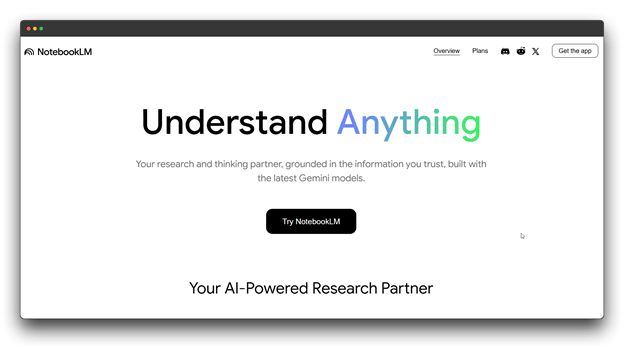
Regarding the Platform, NotebookLM is a Google note-taking and artificial intelligence tool that operates completely from your own documents without the need for prompt writing.
You upload PDFs, Google Docs, web pages, or notes, and NotebookLM studies them to create summaries, insights, study notes, and even audio-style explanations, all using your content only.
Advantages
🔺AI answers are based only on your uploaded files
🔺Automatic citations and clear source references
🔺Creates audio-style summaries you can listen to
🔺Finds patterns and links across multiple documents
Disadvantages
🔻Can only analyze uploaded materials (no live web browsing)
🔻File size and upload limits on the free plan
🔻Best suited for text-heavy content
Best For
Students, researchers, legal professionals, writers, consultants, and anyone managing large collections of documents.
Pricing
Google may introduce paid plans in the future with higher limits and advanced features, offered at custom pricing.
Category 6: Design & Visual Intelligence
6. Pixci
About the Platform
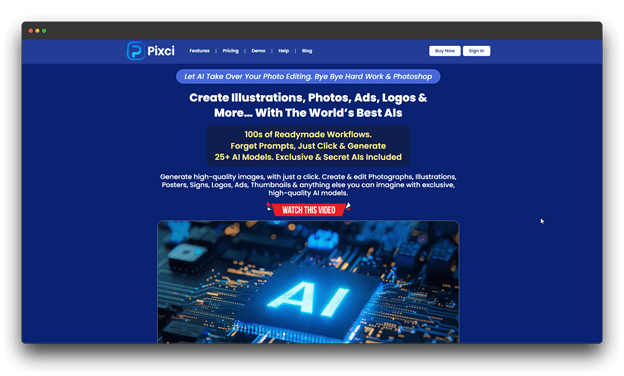
Pixci is an AI-powered design tool that creates professional visuals without prompts or design skills. Through a straightforward visual interface, users select templates, upload brand assets, and Pixci, a no-prompt AI tool, automatically creates multiple design variations, applies colors and fonts, and creates on-brand graphics.
Advantages
🔺Automatically applies brand colors, fonts, and logos
🔺Instantly generates multiple design variations
🔺One-click resizing for different platforms
🔺Built-in background removal and image enhancement
Disadvantages
🔻Less creative freedom than advanced design tools
🔻Template-based layouts may feel restrictive
🔻Best results require existing brand assets
Best For
Social media managers, small business owners, marketing teams, content creators, and agencies managing multiple brands.
Pricing: $27 per month with custom workloads and a business license.
Category 7: AI Assistants (Built-In Intelligence)
7. Notion AI
About the Platform
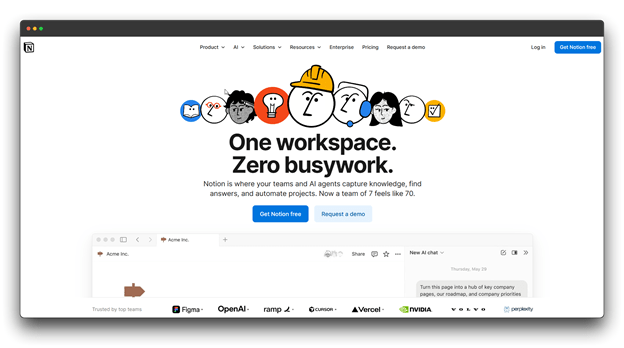
Notion AI is built directly into the Notion workspace, providing context-aware AI assistance without prompts.
Users simply highlight text or use menu options to summarize documents, improve writing, extract action items from meeting notes, and answer questions based on their workspace content no switching tools required.
Advantages
🔺Seamlessly integrated into the Notion workflow
🔺Context-aware suggestions based on document type
🔺Automatically summarizes notes and extracts action items
🔺Translates content into 10+ languages
Disadvantages
🔻Requires a separate Notion AI subscription
🔻Limited to content stored inside Notion
🔻Slower than some dedicated AI writing tools
Best For
Notion users, project managers, content creators, students, teams managing documentation, and personal knowledge management users.
Pricing: Grow your business with team plans and premium integrations at custom pricing for $24 per month.
8. Adobe Photoshop (Generative Fill & AI Features)
About the Platform
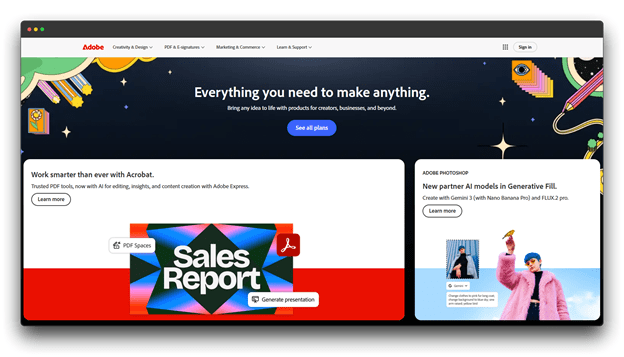
Adobe Photoshop now includes no-prompt AI tools like Generative Fill, Generative Expand, and Neural Filters.
Users simply select areas of an image, and the AI automatically adds content, removes objects, extends backgrounds, or applies advanced effects without writing prompts. The AI understands visual context and maintains realistic, professional-quality results.
Advantages
🔺Context-aware object removal and background expansion
🔺Neural Filters enable advanced effects like colorization and style transfer
🔺Seamless integration with Adobe Creative Cloud
🔺Non-destructive AI editing with separate layers
Disadvantages
🔻Higher cost than basic photo editing tools
🔻Overall, the Photoshop interface has a learning curve
🔻Best AI performance requires strong hardware
Best For
Professional photographers, designers, digital artists, marketing teams, e-commerce businesses, and creators producing high-quality visuals.
Pricing: $37.99 for Photoshop for teams with centralized IT deployment tools.
How to Choose the Right No Prompt AI Tool
With so many options, selecting the right tool depends on your specific needs and workflows:
A. If you need workflow automation
▶️ Choose: Slack Workflow Builder if you primarily work in Slack and need team collaboration automation.
▶️ Choose: HubSpot AI if you’re managing customer relationships and need CRM-integrated automation.
B. If you create content regularly
▶️ Choose: Writix for high-volume written content with a consistent brand voice.
▶️ Choose: Notion AI if you already organize your work in Notion and want writing assistance there.
▶️ Choose: Pixci for visual content creation across social media platforms.
C. If you do research
▶️ Choose: NotebookLM for analyzing specific documents and generating insights from them.
▶️ Choose: AI Collective for ongoing monitoring of research topics across the web.
D. If you write a lot
▶️ Choose: Wispr Flow to dramatically speed up writing through voice input.
▶️ Choose: Writix for structured content like blog posts and marketing copy.
Conclusion
No-prompt AI represents the next phase of AI adoption, where powerful technology becomes accessible to everyone, not just technical users.
By removing the need for prompts, these tools turn No Prompt AI tools into a seamless, everyday assistant across content creation, research, design, automation, and business operations.
Key Takeaways
✔️ No-prompt AI works through context awareness, structured inputs, and built-in automation, not manual prompting
✔️ These tools are trending because they eliminate learning curves and reduce prompt fatigue
✔️ Each tool excels at specific tasks, so choosing the right one depends on your workflow
✔️ The future of AI is embedded, voice-first, and predictive, working quietly in the background
Among all the tools covered, Writix stands out as the best option for regular content creation, combining brand voice learning, simplicity, and consistently high-quality output.
If you’re ready to get started, identify your biggest workflow bottleneck and try a no-prompt AI tool that fits your needs.
The future of AI isn’t about better prompts; it’s about AI understanding you. And that future is already here.
FAQs about No Prompt AI Tools
Q: Are no prompt AI tools less powerful than traditional prompt-based AI?
A: Not at all. No-prompt tools are often built on the same underlying AI models (like GPT-4 or Claude) but provide structured interfaces and context awareness that eliminate the need for manual prompting.
Q: Can I still customize outputs if I don’t write prompts?
A: Yes. Most no-prompt tools offer customization through settings, templates, examples, or guided workflows rather than freeform prompts. This often provides more consistent results than prompt engineering.
Q: Can I use multiple no-prompt AI tools together?
A: Yes, and this often creates the most powerful workflows. For example, NotebookLM to analyze it, Notion AI to organize insights, and Writix to create content based on your findings.
Q: Do I need technical knowledge to use no-prompt AI tools?
A: No, that’s the entire point. These tools are designed to be accessible to non-technical users. If you can use standard software like email or spreadsheets, you can use these AI tools.